On your number
Cashback follows the mobile number on the bill. It does not sit on a card you can lose.
For every shop bill
Scan the QR on the bill. Wallet keeps the cashback, the receipt, and the offers on your mobile number.
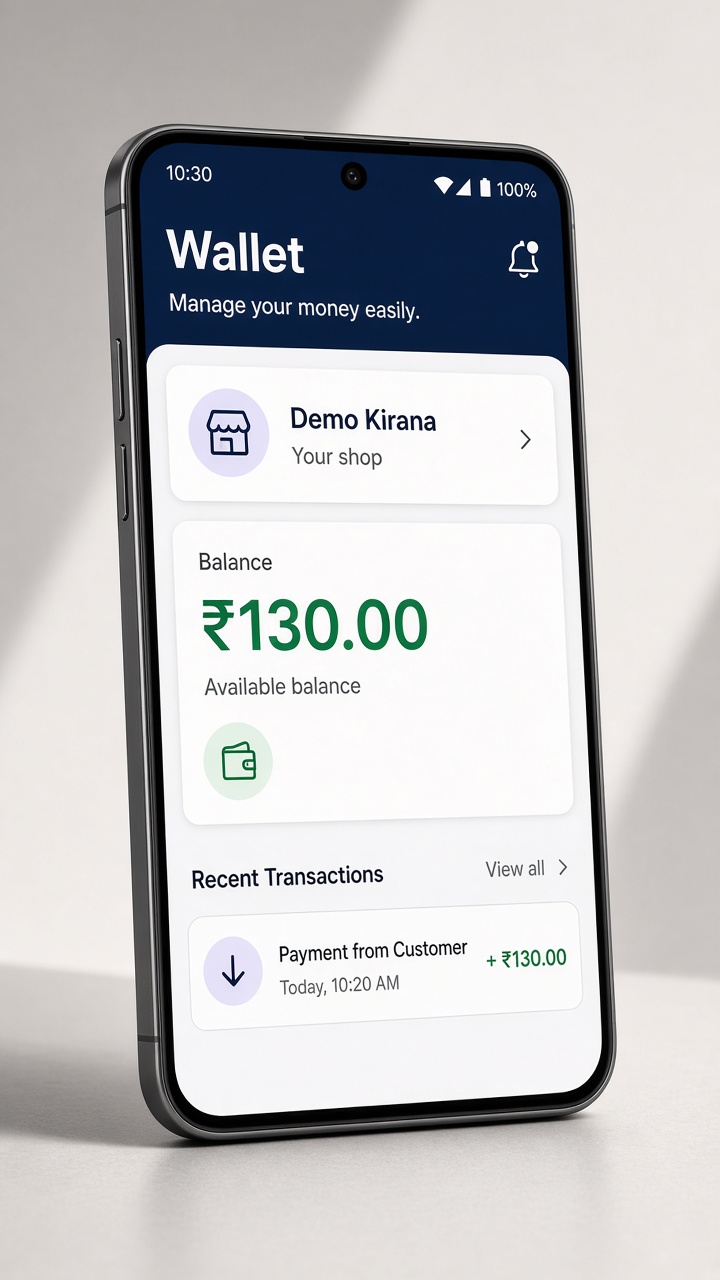
Cashback follows the mobile number on the bill. It does not sit on a card you can lose.
Open any bill later and download it, even when the cashback on that visit was zero.
A shop offer shows up only if that number already has a bill there.
After you pay
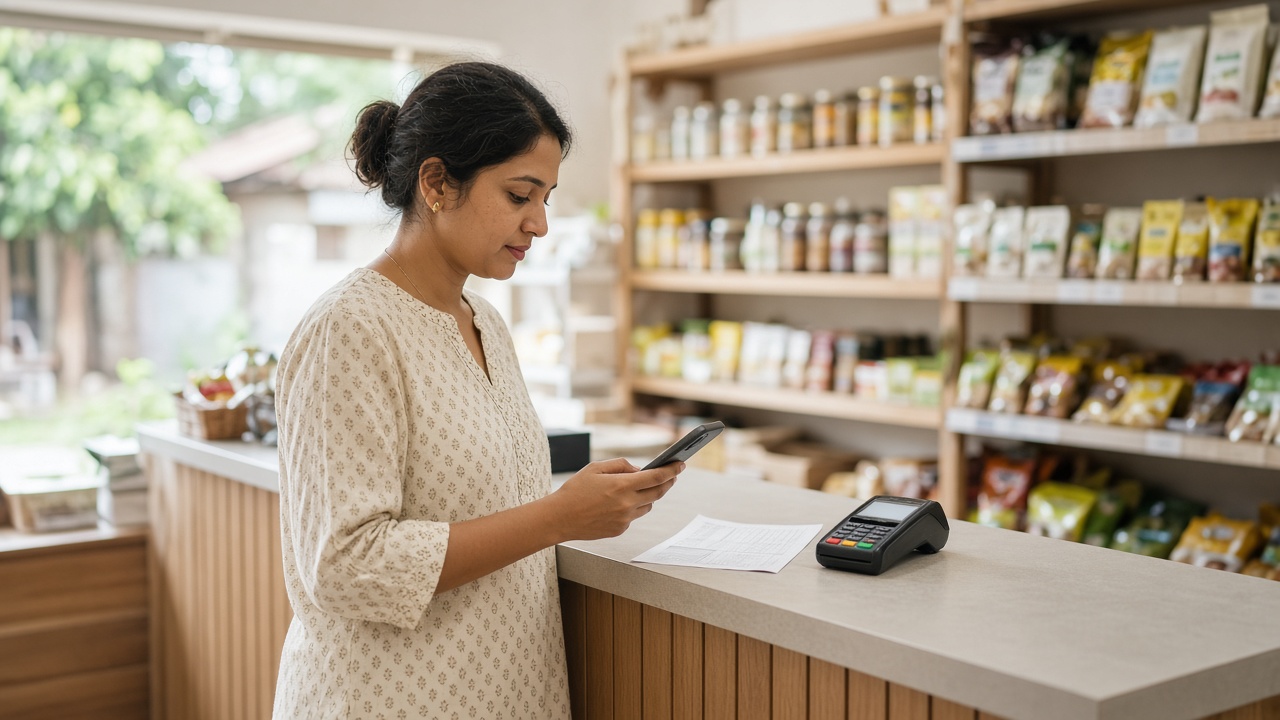
Cashback stays for 30 days. The oldest amount is used first. Wallet reminds you a few days before it expires.
From shops you know
The shop can send you a note, or an offer to everyone on the app. Claim it in Wallet and use it on the next bill.
Get started
Do them in this order. Skipping the return to this page is the mistake that leaves the bill unlinked.
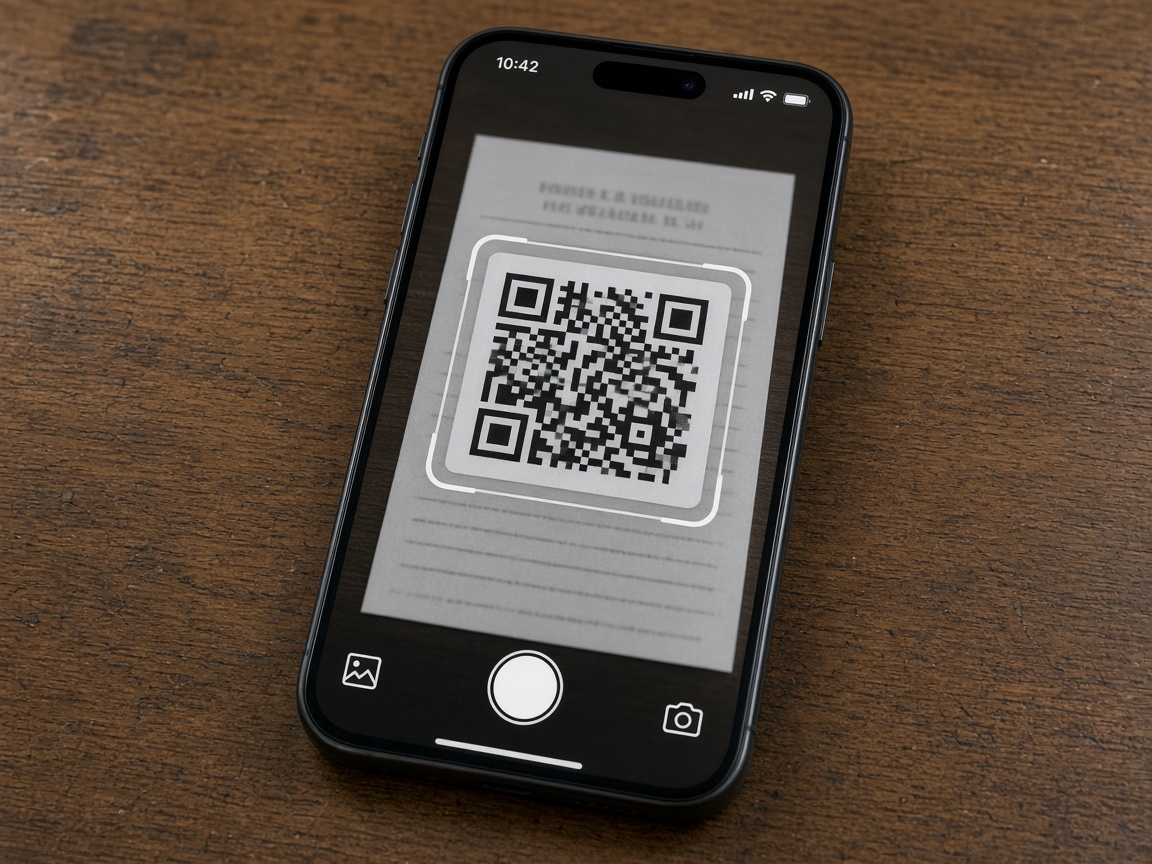
The small square under the shop name is for Wallet. Point your camera at it. This page opens. Leave it open — the link to your bill stays here.
Tap Download for Android and wait for the file. If the phone asks to allow an install, say yes. That only lets Wallet install. It does not open the app yet.
When the download finishes, do not tap Open on the installer. Switch back to this browser page. If you open the app from the installer, it misses the bill.
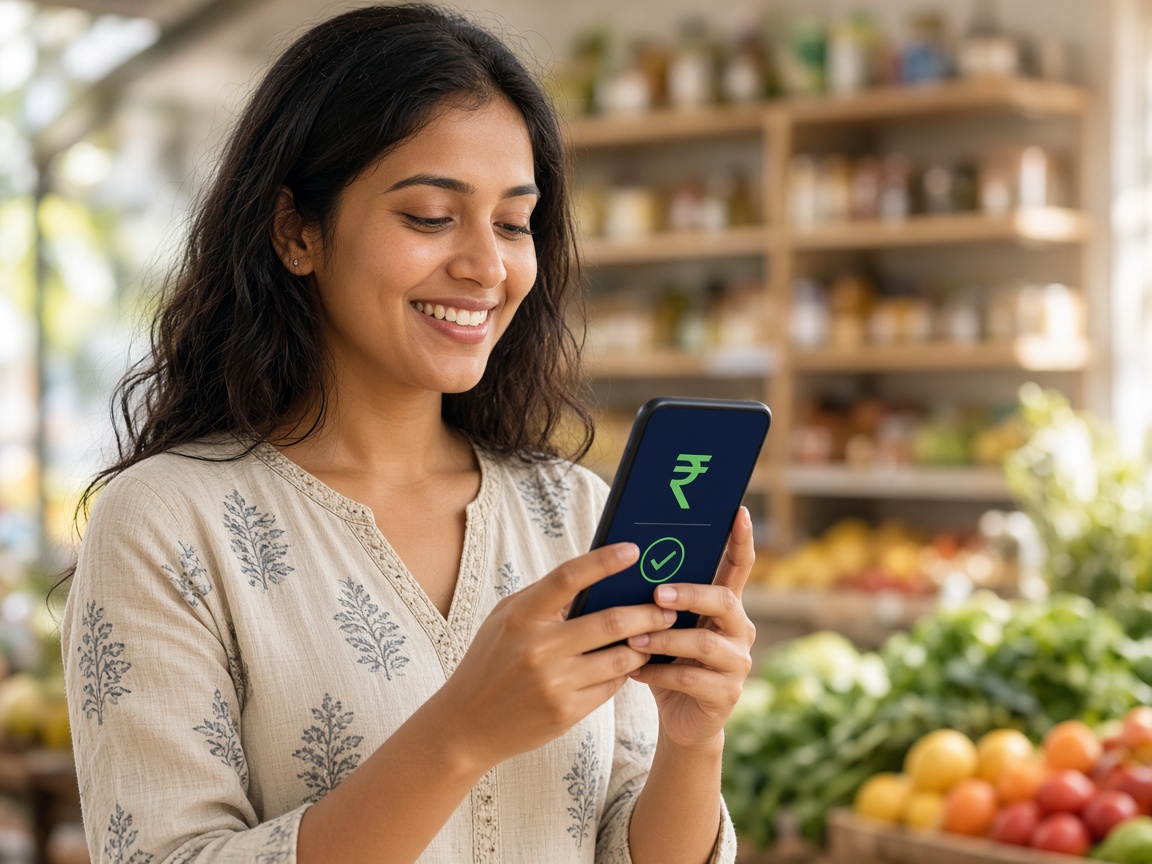
On this page, tap Open Wallet. The app reads the bill link and joins this phone to your number. One scan is enough. Later bills at any shop no longer need the QR.